> ## Documentation Index
> Fetch the complete documentation index at: https://docs.flatpeak.com/llms.txt
> Use this file to discover all available pages before exploring further.
# Provider login redirect
> Connect instructs you to redirect the customer to an external page.
When customer selects a provider with a DIRECT integration, Connect will instruct you to redirect the customer to an external page where they will login to their provider's online dashboard and provide consent for your application to access their tariff.
Connect will respond with the `session_redirect` route.
```json Connect response theme={"system"}
{
"connect_token": "cot_6587fa4362341be5b524de3b",
"route": "session_redirect",
"live_mode": false,
"data": {
"redirect_url": "https://british-gas-uk.connect.flatpeak.com"
}
}
```
You will redirect the session to `redirect_url` via HTTP-GET, appending `connect_token`.
```http Example redirect (http) theme={"system"}
GET /?fp_cot=cot_6587fa4362341be5b524de3b HTTP/1.1
Host: british-gas-uk.connect.flatpeak.com
```
You can append any other query parameter to redirect, for example, your internal session or a security key. They will be returned to you via callback later.
Once you redirect the customer's session to `redirect_url`, you will soon receive a callback to the URI you specified when you created the `connect_token` via the API. It will have the same query params and payload that you appended to the original redirect.
```http Example callback theme={"system"}
myapp://oauth-callback/flatpeak?fp_cot=cot_6587fa4362341be5b524de3b
```
POST your response to Connect to `session_restore` route:
```json Your POST to Connect theme={"system"}
curl --request POST \
--url https://connect.flatpeak.com \
--header 'Content-Type: application/json' \
--data '{
"connect_token": "cot_6587fa4362341be5b524de3b",
"route": "session_restore",
}'
```
**Your customer's experience with redirects**
Your customer will likely interact with only two pages - `Login` and `Consent`.
However, depending on how the provider implements the login process, the configuration of their account (such as having multiple properties supplied under one contract) and other factors, they may be presented with additional pages:
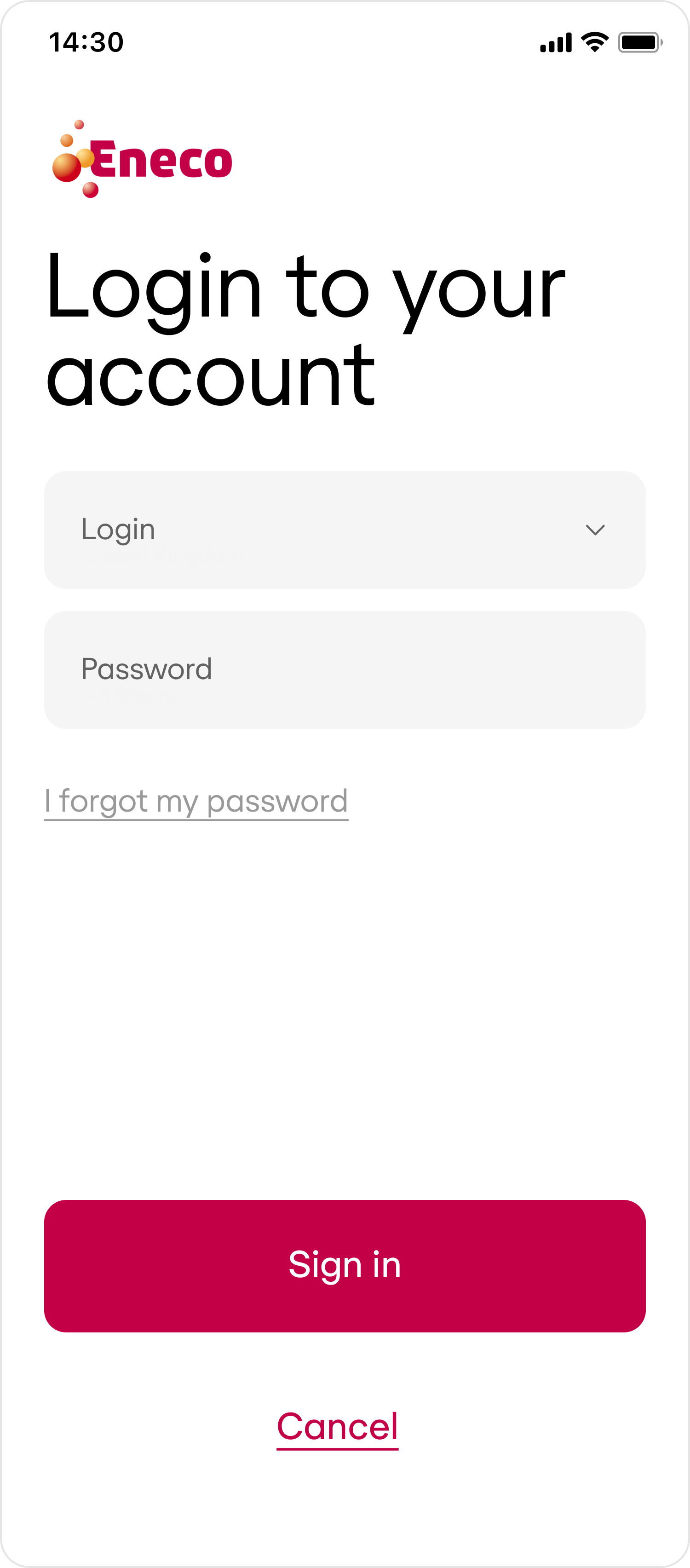
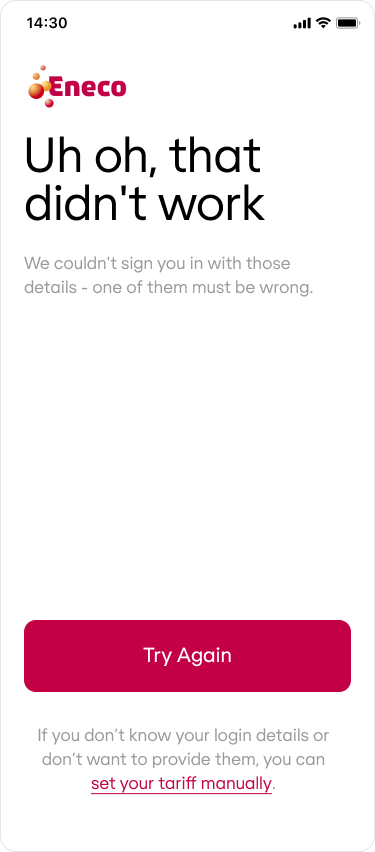
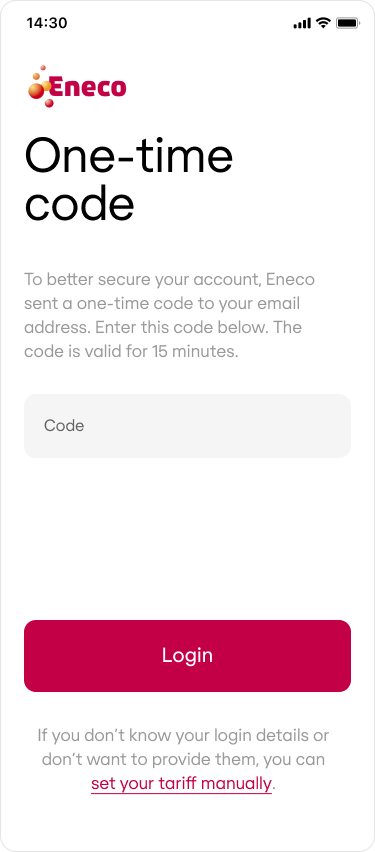
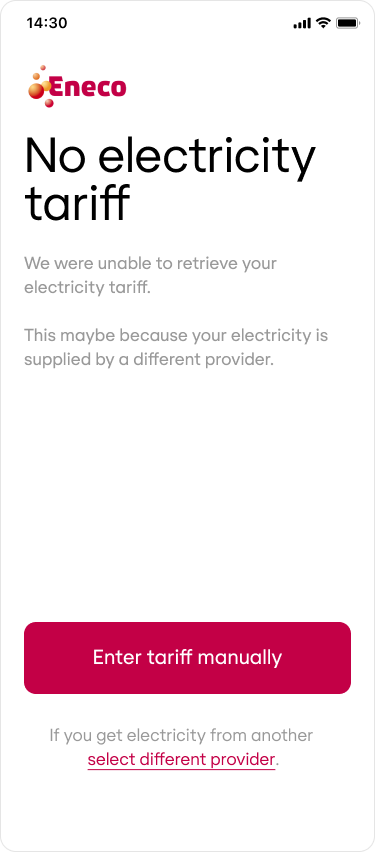

 The actual look and feel may vary between providers as they develop and host the pages. The word \[Brand] will always be replaced with your business name.
**UI integration tip**
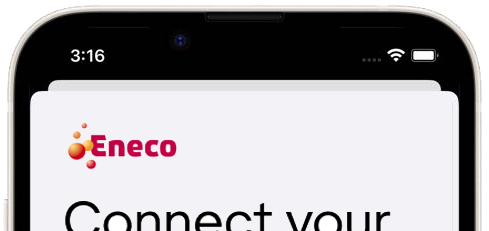
When redirecting to an external page, use a modal or a sheet [iOS](https://developer.apple.com/design/human-interface-guidelines/sheets), [Android](https://m3.material.io/components/bottom-sheets/guidelines) to avoid layout issues—especially on devices with camera notches or cutouts.
This ensures a clean, contained user experience without UI elements being obscured.
The actual look and feel may vary between providers as they develop and host the pages. The word \[Brand] will always be replaced with your business name.
**UI integration tip**
When redirecting to an external page, use a modal or a sheet [iOS](https://developer.apple.com/design/human-interface-guidelines/sheets), [Android](https://m3.material.io/components/bottom-sheets/guidelines) to avoid layout issues—especially on devices with camera notches or cutouts.
This ensures a clean, contained user experience without UI elements being obscured.