

| Option | Description |
|---|---|
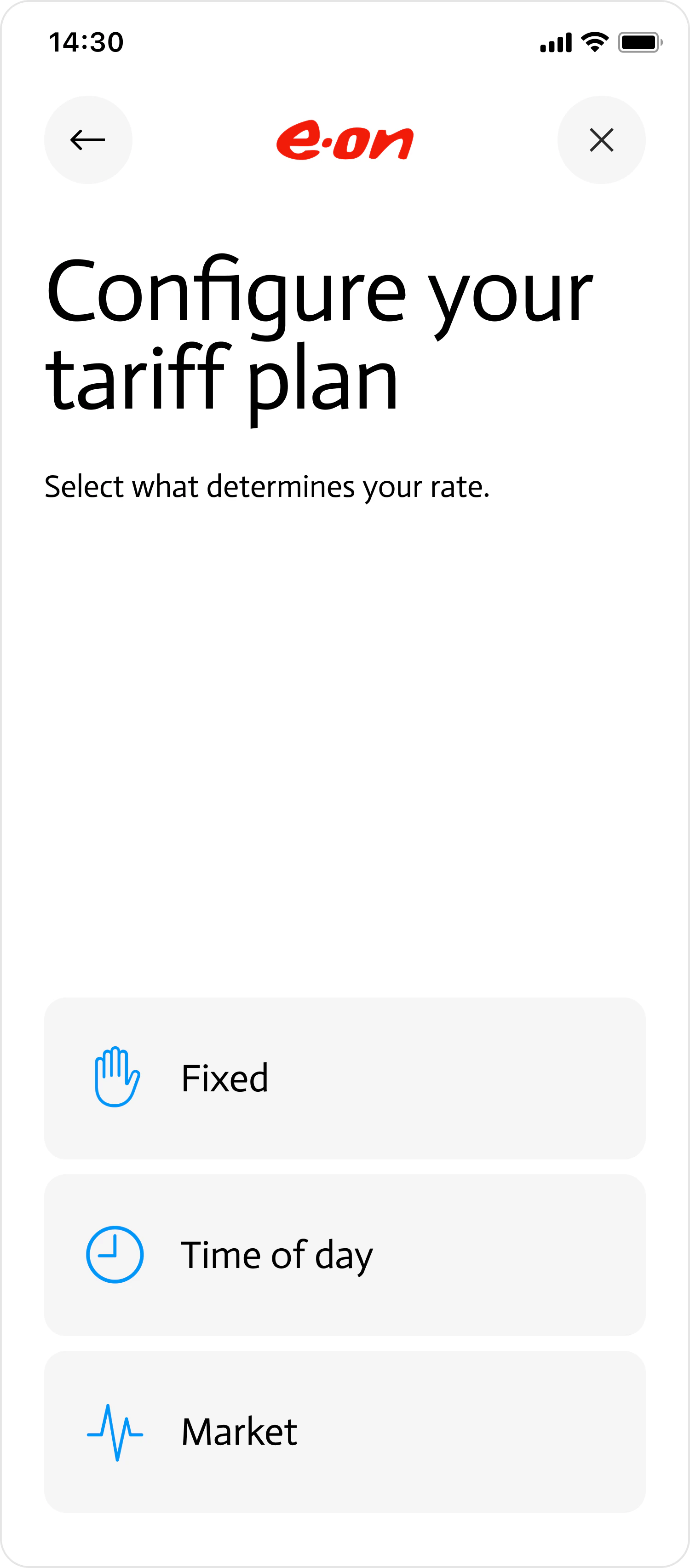
FIXED | Customer will be requested to input their fixed (flat) tariff rate. |
TIME_OF_DAY | Customer will be requested to input their variable tariff rate. |
MARKET | Connect will automatically detect the customer’s market rate using their postal address. It will then provide the customer with an option to indicate what fees and/or surcharges they are paying to their provider on top of that rate. |
ADVANCED | Enables you to build a custom page where your customer can input complex tariff structures — including seasonal rates, special days, consumption tiers, and more. If you plan to use this option, contact support for integration guidance. This option is only available if you set actions.advanced_tariff_capture to true when creating the connect_token. |
- Preview
- Code
| Action | Result |
|---|---|
BACK | Returns previous page. |
CLOSE | Returns callback_url you specified when creating the Connect token. |