
Connect returns theDocumentation Index
Fetch the complete documentation index at: https://docs.flatpeak.com/llms.txt
Use this file to discover all available pages before exploring further.
session_redirect route whenever the customer needs to complete a step on an external, provider-hosted page. The two flows that use it today are:
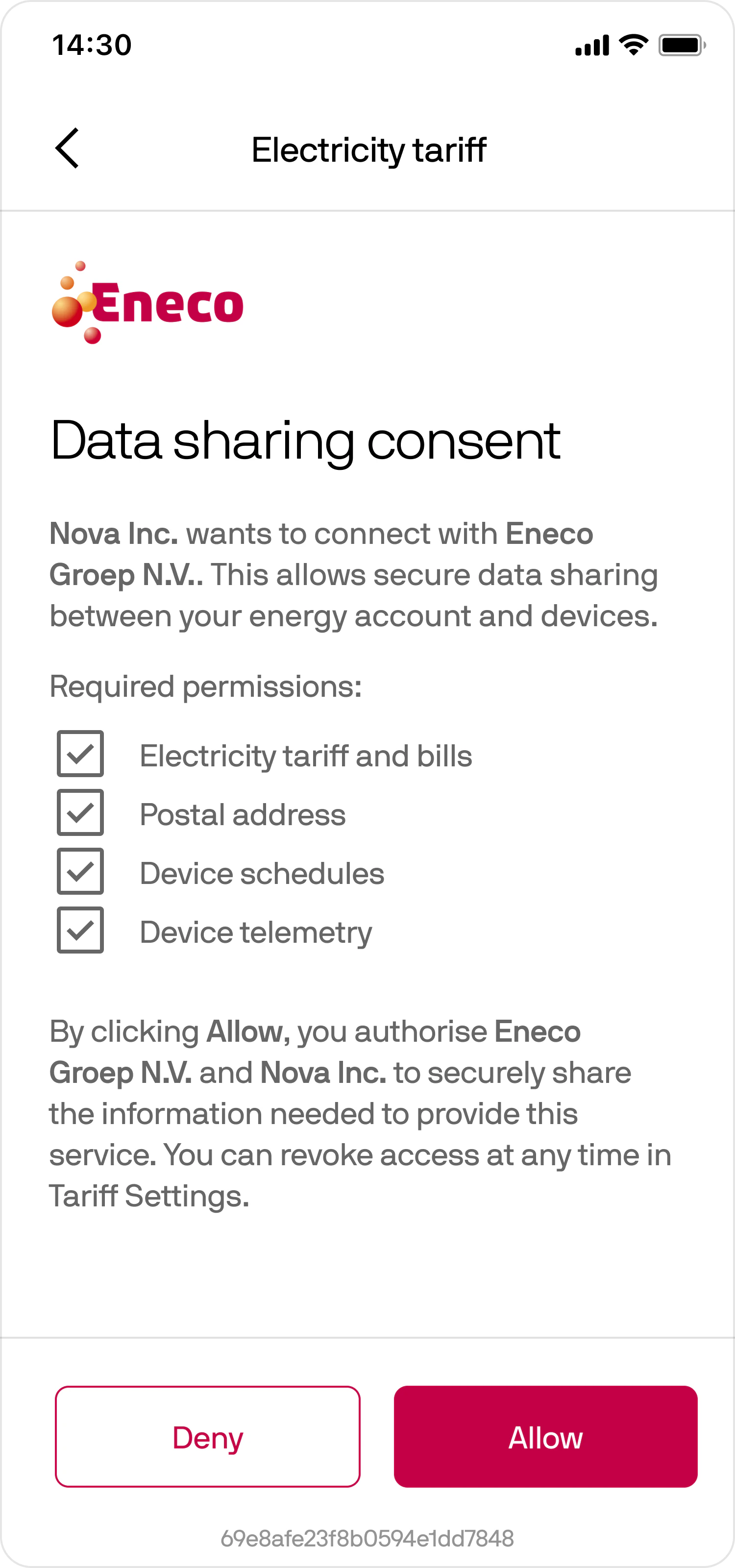
- Tariff connection: When a customer selects a provider with a DIRECT integration, they authenticate with that provider and grant consent to share their tariff and account information.
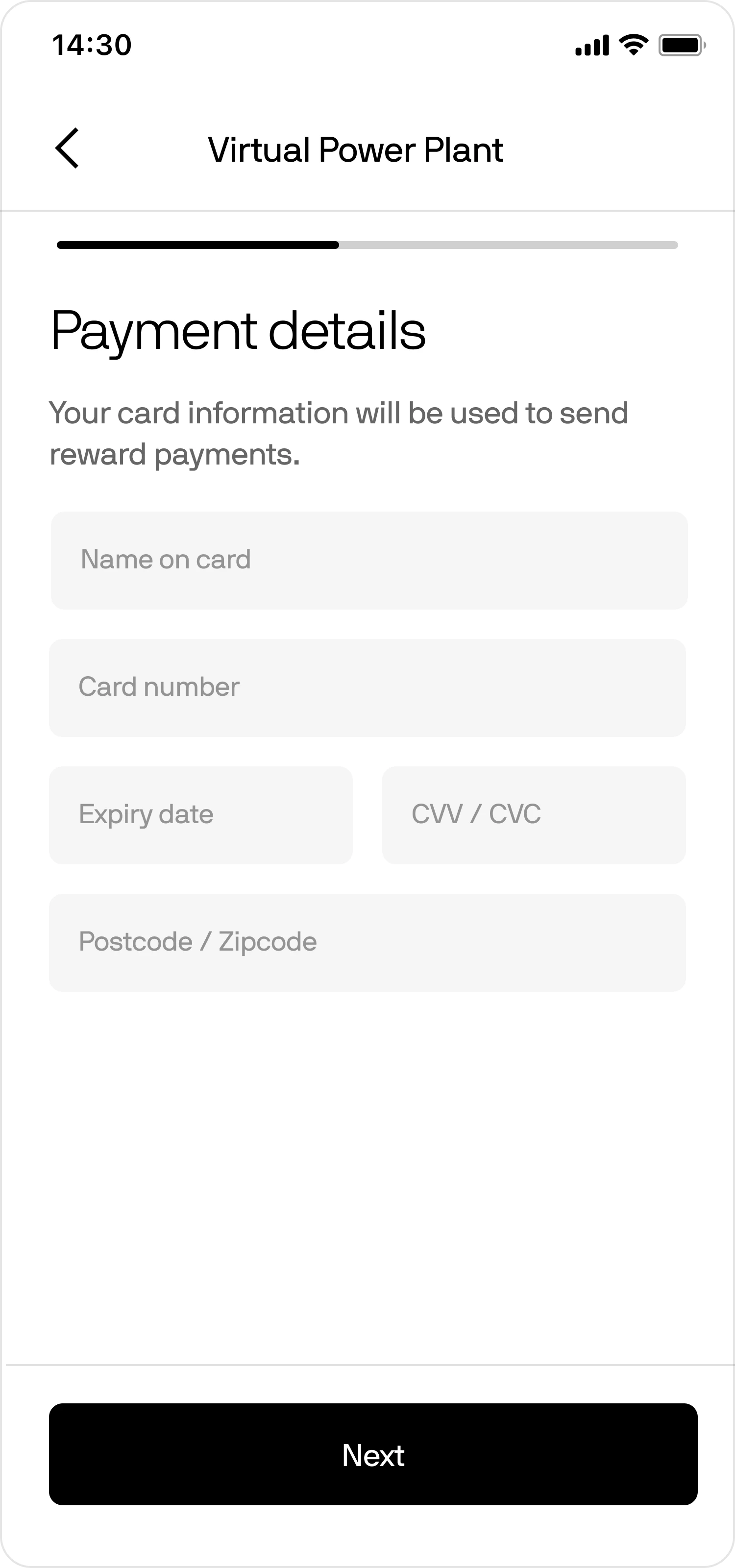
- Payment method: When a customer opts in to receive their VPP payments, they set up a payment method on a payment-provider-hosted page, so their payment details are collected and processed securely, in compliance with applicable regulations.
session_redirect your application receives.
Handling the redirect
When a flow requires a provider-hosted step, Connect returns the Redirect the customer’s browser to
session_redirect route. The redirect_url varies by flow and provider (for example, a provider authentication host for tariff connection, or a billing host for payments):redirect_url with an HTTP GET request, appending the connect_token as the fp_cot query parameter:Example redirect
You can append additional query parameters, such as your internal session ID or a security key. They are returned to you in the callback.
Handling the callback
After the customer completes the provider flow, Connect redirects them to the callback URL you specified when creating the To resume the Connect session,
connect_token. Any query parameters you appended to the original redirect are returned alongside it:Example callback
POST to the session_restore route:Your POST to Connect
Customer experience
The redirect and callback handling above is the same in every flow. What the customer sees on the provider-hosted page depends on the context that triggered the redirect.Tariff connection
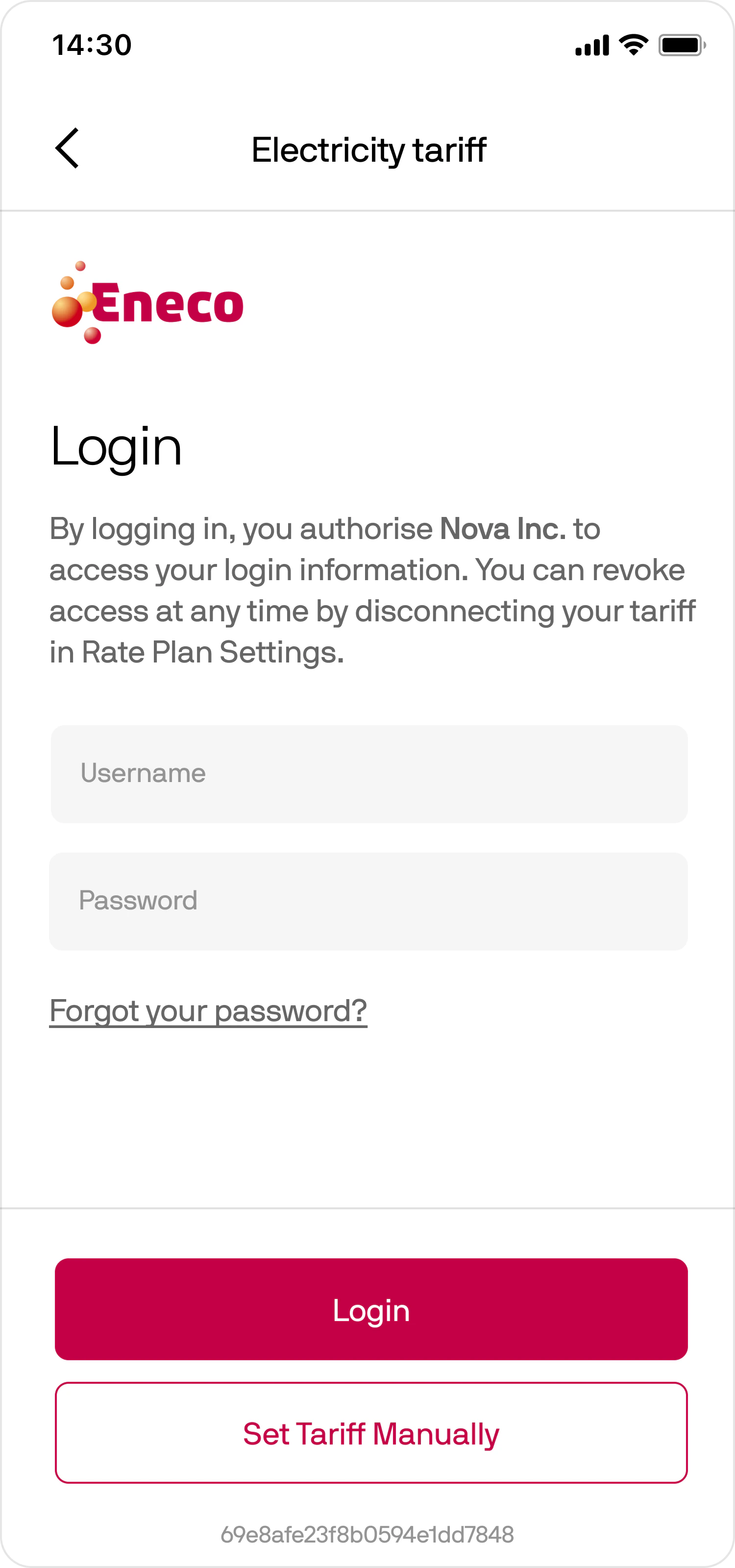
Most customers see two pages:- Login
- Consent
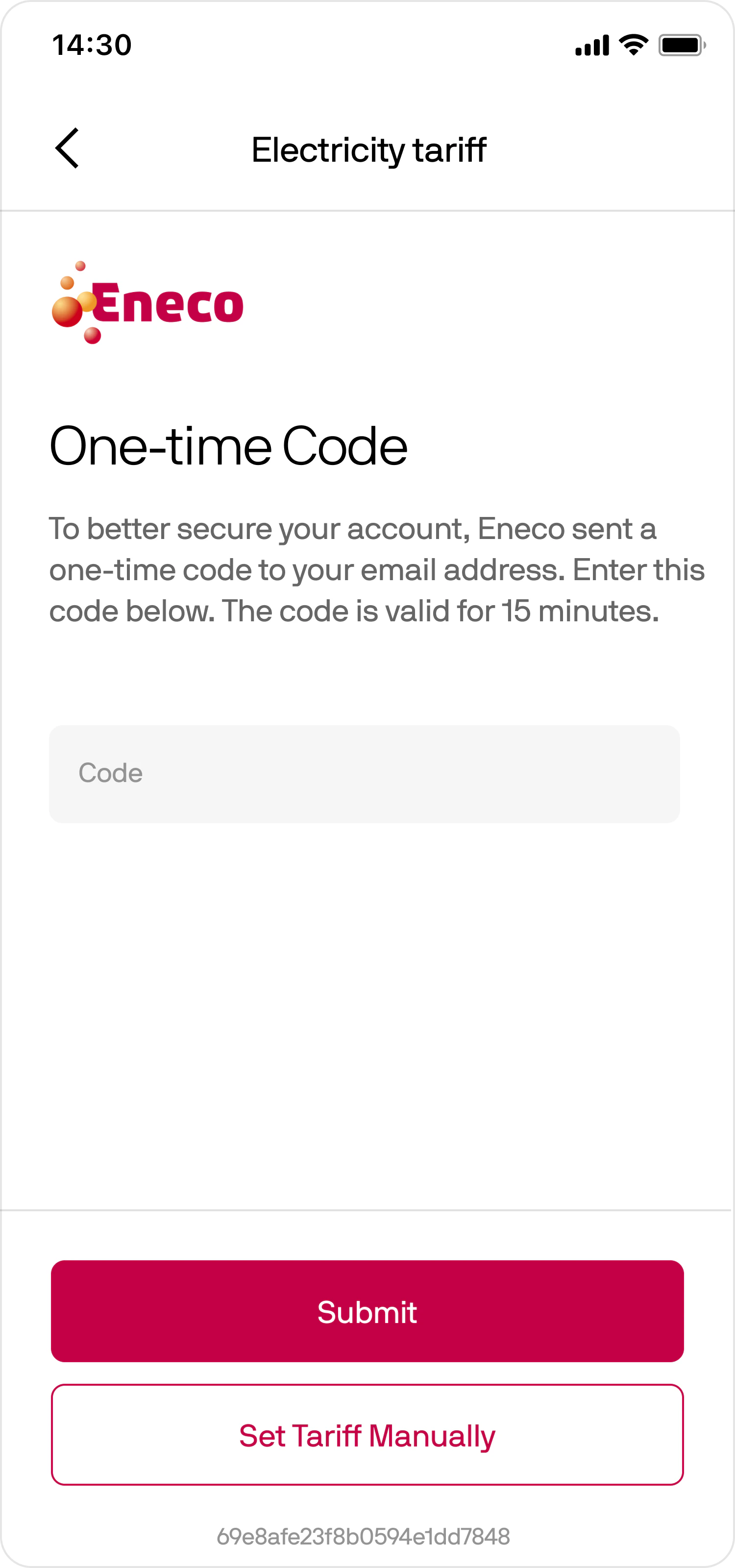
- One-time password verification
- Address selection for multi-property accounts
- Retry and recovery flows
- Tariff selection or confirmation
- Login
- OTP
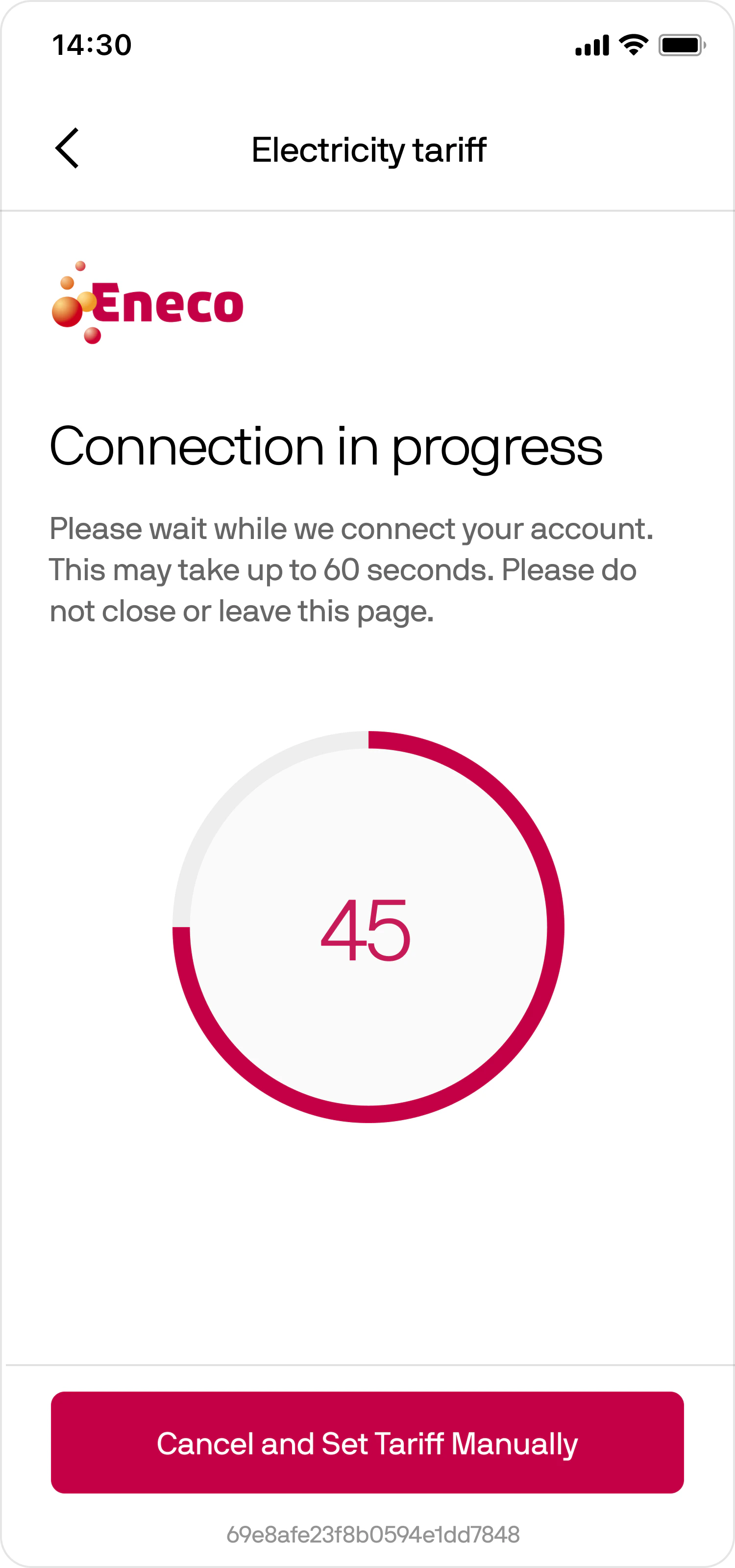
- Progress
- Consent
Payment method
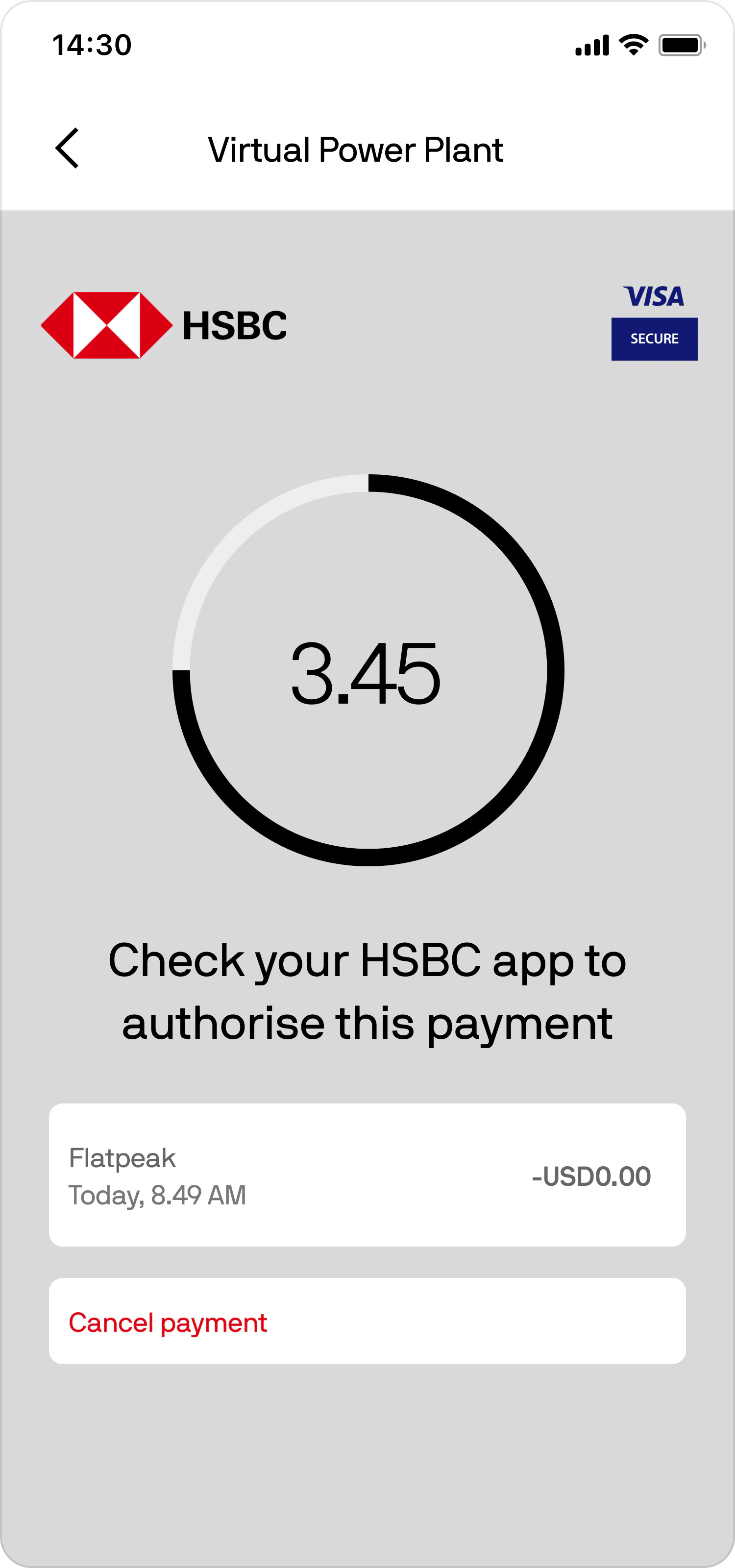
Most customers see two pages:- Card details input
- 3D Secure confirmation
- Card Details
- 3D Secure
UI integration tip
When opening provider-hosted pages, we recommend using a modal or sheet rather than a full browser window. This provides a more seamless experience and helps avoid layout issues on devices with camera cut-outs or notches.